
MCP & CLI
Bring WM Studio's creative engine into agents, conversations and the terminal.
Open your AI assistant
In your favorite assistant, like Claude or Cursor, open the settings and find the Connectors section.
Settings → ConnectorsConnect WM Studio
Add a new connector, name it WM Studio and paste the address below.
https://mcp.wmstudio.io/mcpConnect and start
Press Connect and sign in with your account: now you can ask for images and videos right in the chat.
Connect → Sign in with WM StudioWorks with



Our creative engine inside your favorite tools.
Create images, videos and campaigns where you already work: in chat, in the terminal or inside your workflows. No context switching, no lost momentum.
Create images and videos without leaving your tools.
From Claude to ChatGPT, turn an idea into ready-to-use visuals, clips and campaigns. WM Studio's creative engine works where you work.

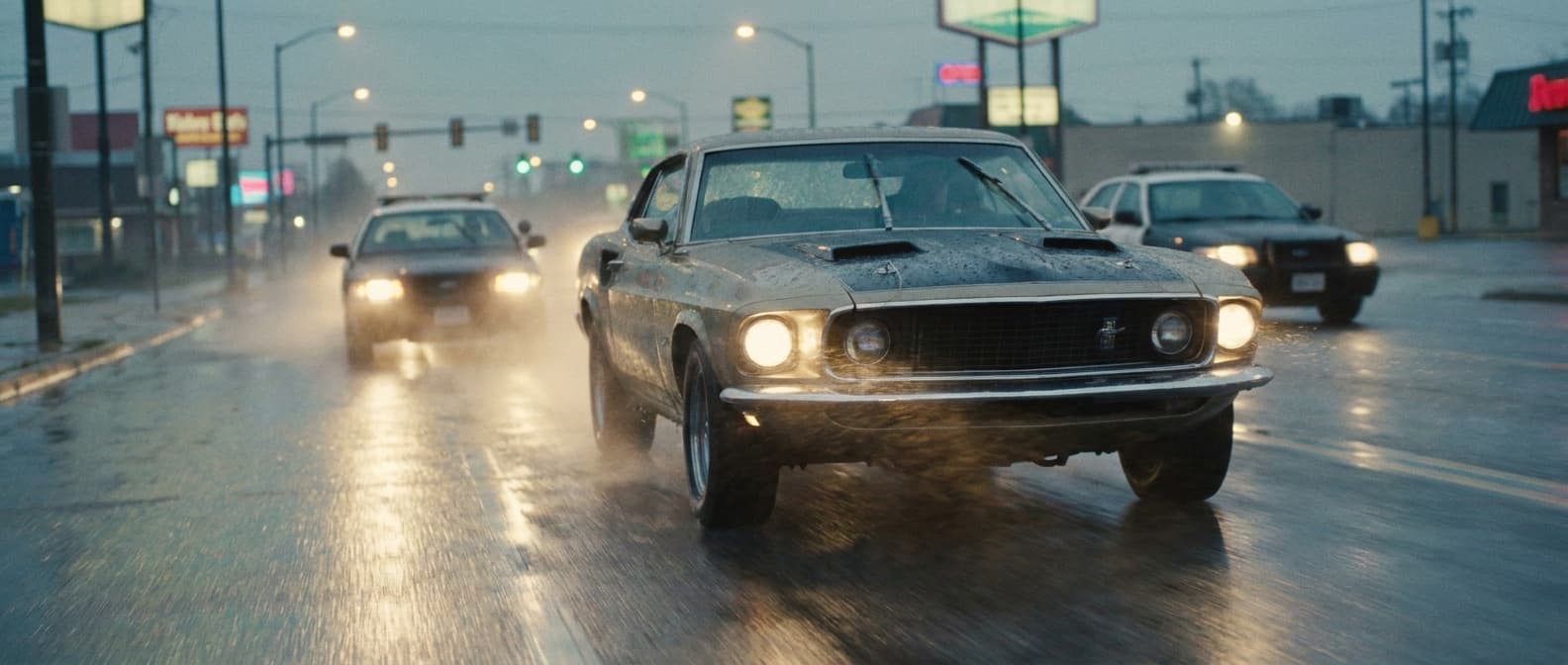
Done. I generated a cinematic scene with WM Studio: a classic muscle car chased by police on wet asphalt, headlights on and ambient night light, with a coherent filmic look.
Bring the full WM Studio suite into your workflow.
Casting, storyboards, images, video, editing and advanced creative tools become available directly inside the tools you already use.
I'd start with WM Studio's dedicated tools. They're ready to use and work together.
Find inspiration and resources in seconds.
Search references, trends, competitors and useful assets directly from your assistant. Fewer tabs, more ideas ready to become content.
I searched online for references aligned with your product. Here's where you can start.
Automate asset creation at scale.
Build workflows that use our creative engine to generate images, videos and campaign materials automatically, exactly when you need them.
Yes. I set up a workflow that generates the assets automatically on schedule.
Every Monday at 09:00
Frequently asked questions
Everything you need to understand how WM Studio fits into your tools without slowing down your work.
Do I have to use the terminal?
No. You can use WM Studio inside tools like Claude, ChatGPT, Cursor and other compatible clients. The CLI is there when you want automation.
Can I generate images and videos from chat?
Yes. Start from a brief, ask for visuals, clips, references or campaign assets, and let the creative engine work directly in your flow.
Which WM Studio tools can I use?
You can use the creative suite: image generation, video, casting, storyboards, online search, upscale, editing and automated workflows.
Do I need to configure a server?
No. The connection and creative engine are hosted by WM Studio: connect your account and start creating inside your favorite tools.
Turn your tools into a creative machine.
Connect WM Studio and go from idea to ready-to-use assets in minutes: images, videos, references and campaigns generated where you already work.