





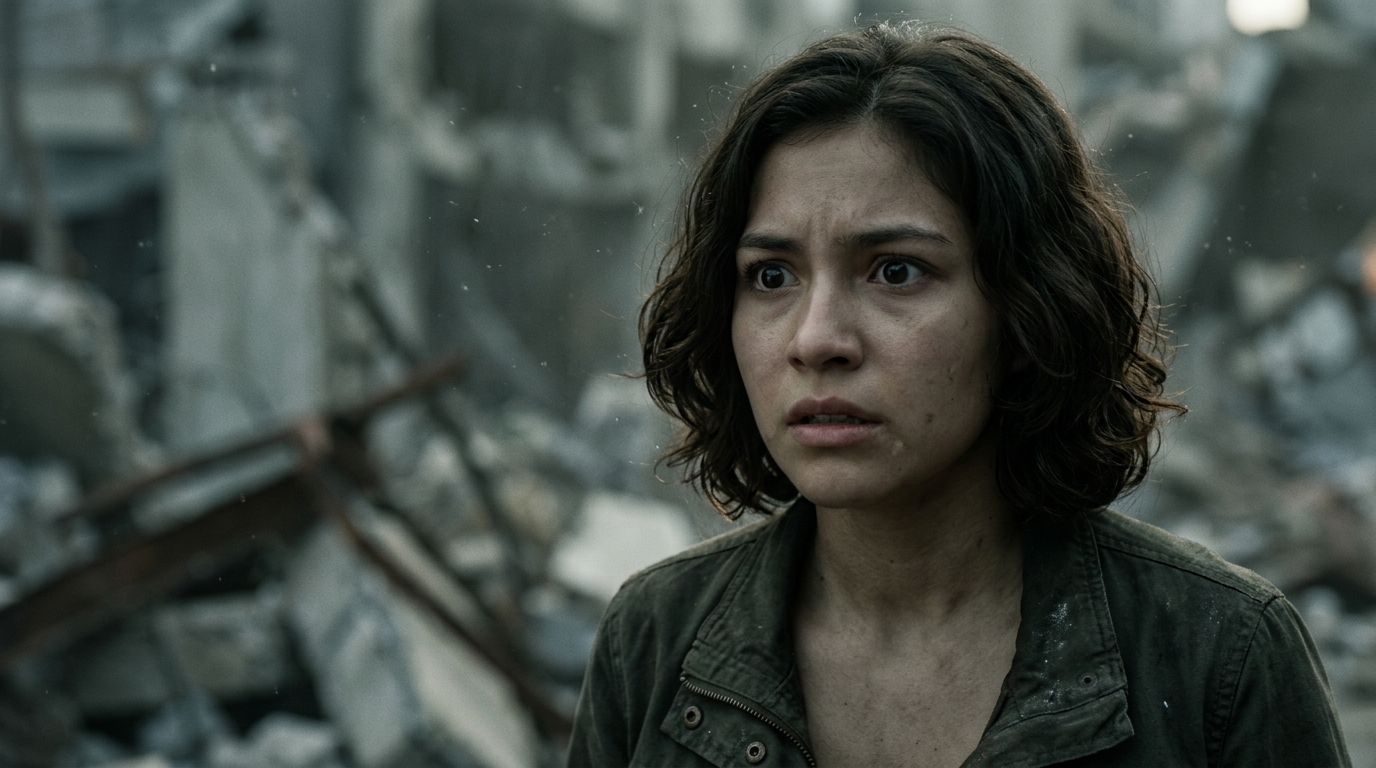
Discover all tools
Explore our complete suite of AI tools: upscaling, expansion, face swap, portrait studio and much more.
ExploreStoryboard
Upload an image, then describe story, mood, and style to generate 9 coherent shots.
Explore
Motion Control
Control character and camera motions precisely.
Brandshot
One brand reference. Nine campaign panels. Set the mood, define the story.
Explore
Image Upscale
Transform your low-resolution images into stunning 4K masterpieces with one click.
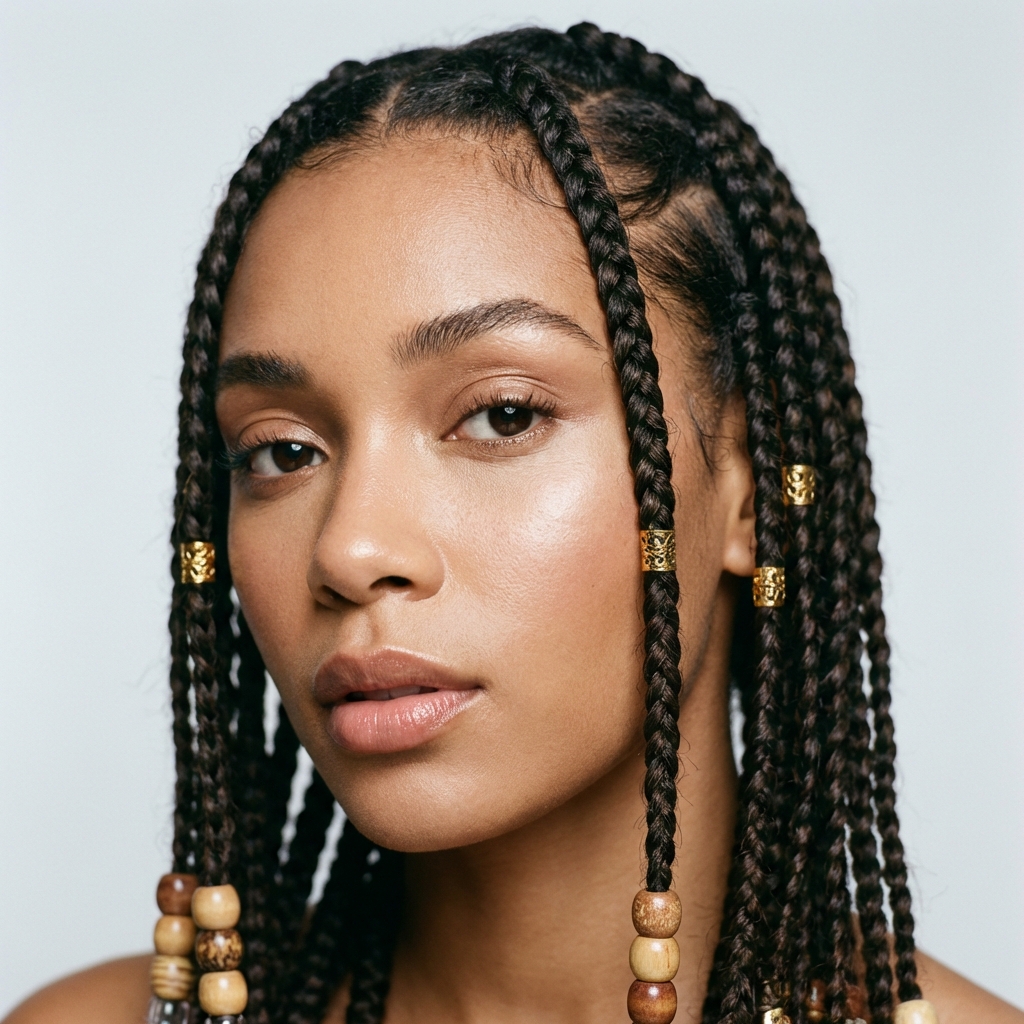
Camera Angles
Transform camera perspective and viewing angle of your images
Explore
Convert to 3D
Create 3D objects from images or text
Explore
UGC
Build UGC concepts and assets in one workspace.
Explore
Casting
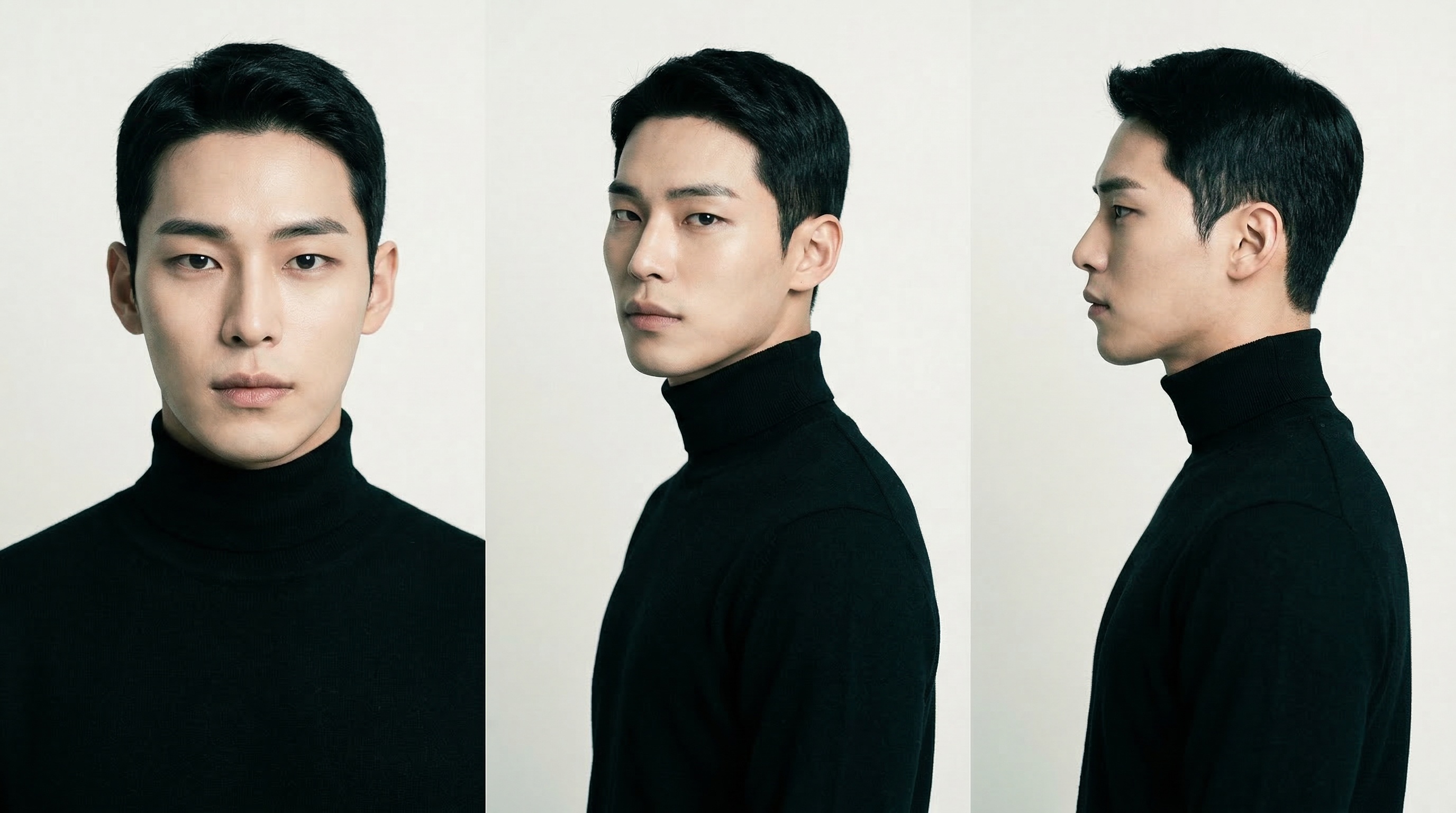
Create your characters in one click. Front portrait, side profile, and front full-body shot from a single reference.
Video Enhance
Increase the resolution and sharpness of your videos